
Aadhaar card is one of the most used identity documents in India. People usually use it for identity verification, banking services, government benefits, etc. Difficulties in KYC and other issues may happen if there’s an error in your name. This is why the Aadhaar card name change online is a useful way to solve these problems.
Aadhaar Card Name Change Online
UIDAI allows you to request a name correction by submitting valid supporting documents. The process for name change in Aadhar card online may differ based on the type of name change you’re applying for. We’ll today discuss the exact process for an Aadhar card name change here.
Can You Change Your Name on an Aadhaar Card Online?
Yes, you can change your name in Aadhar card but can it be done online?
Aadhaar data correction service is available for updating name, gender, date of birth, address, and mobile number. The availability of such service, however, depends on UIDAI’s current rules and online facilities.
Minor name correction could be eligible under the applicable UIDAI provisions by providing supportive documents. Extra documents like a Gazette notification is needed for a full Aadhar card name change online by visiting physical Aadhar enrolment centres only.
You should therefore visit the myAadhaar portal to check the available options. Visit an authorized Aadhaar enrolment and update centre if the name-update option is unavailable or if your case needs in-person verification.
Who Needs an Aadhaar Card Name Change?
Several reasons are there to update or correct your name on your Aadhaar card. Some of the top reasons are:
- Your name may have been incorrectly entered on the Aadhaar card during enrolment
- Add or change your surname after your marriage
- Restore your previous name after divorce
- You may have legally changed your complete name
- The name’s format may need to be corrected to match your supporting document
- Name written incorrectly during translation from one language to another
- A court order may support your request in case of other legal changes
Documents Required for an Aadhaar Card Name Change
The application process could be easier with the right documents. Although UIDAI accepts certain ID proofs, they must meet the applicable requirements and contain the correct name.
Some of the common documents are:
| Changes’ types | Documents required |
| Minor name change | Valid ID proof including the correct name |
| Major name change | Supporting documents like Gazette notification |
| Surname change | Accepted ID proof showing the requested name |
| Name change after marriage | An accepted ID & any extra supporting document |
| Court-directed name change | UIDAI needs the relevant court order and other documents |
| Name correction related to regional-language spelling | Appropriate ID proof or supporting information |
A passport, PAN card, voter ID, driving licence, etc. are common documents needed for Name change in Aadhar card online.
Minor Spelling Corrections
Suppose Sitaram is your name on Aadhaar. But your accepted identity proof shows Sita Ram. In that case, you may submit an ID proof showing the correct spelling. UIDAI’s requirements should be satisfied with the supporting documents. The spelling, initials, and spacing must be checked before submitting your request.
Major Name Changes
Extra care should be given for a complete change to your first name or full name. A Gazette notification for a complete name change or a first-name change is required under UIDAI’s requirements.
You should check the existing ID proofs. It’s also important to ensure that your address details in the Gazette notification meet UIDAI’s stated conditions. Don’t assume that the documents required for a minor name change would be enough in this case. Check the official UIDAI enrolment and update guidance for the latest requirements.
Gazette Notification for Aadhaar Name Change: Documents and Process
For those unaware, it is a document for a person’s legal name change. It is among the important documents for a complete first-name or full-name change. The address must be the same as the Aadhaar records.
Documents Required for a Gazette Notification
Common documents for adults applying for a name-change notice in the Gazette of India are:
- A signed undertaking/affidavit where the old and new name are mentioned
- An original newspaper in which a name-change ads is published
- The prescribed application proforma in duplicate and signed by two witnesses
- 2 self-attested photos and photo ID
- A prescribed notice’s soft copy and a certificate confirming that the soft & hard copy have the same details
- A request letter & the applicable name change publication fee
The exact documents may vary based on the Gazette type you’re applying for. You should therefore check the official Department of Publication guidelines for the exact and the latest requirements.
How to Apply for a Gazette Notification
Common steps to get the Gazette notification are:
- You should first prepare a valid and notarized name change affidavit on stamp paper. An old name, full address, date of birth, new name, and the reason for the change must be mentioned in it.
- The proposed name change must then be advertised in a qualifying daily local newspaper.
- You should later format the name change notice in MS Word format and convert it as a digital CD.
- You must next submit the application charges online.
- The next step is to collect the prescribed proforma undertaking and other required documents.
- You must then submit all documents through post or in person at the Controller of Publications, Department of Publication, Civil Lines, Delhi – 110054.
- Keep a copy of the Gazette notification for your records after publication.
The Gazette notification can then be used to submit your Aadhar card name change online request and follow UIDAI’s verification process.
How to Change Your Name on an Aadhaar Card: Step-by-Step Process
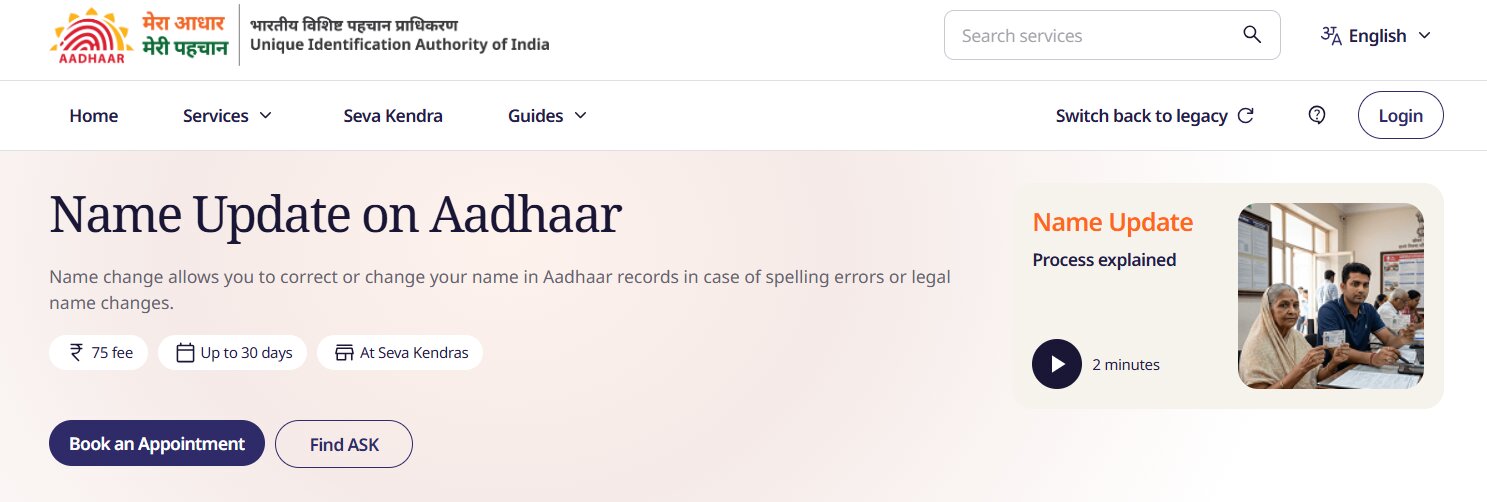
Follow these steps to update your name and submit your request:
Step 1: Check Your Current Aadhaar Details
You should first review the name printed on your Aadhaar card. It’s also important to compare it with your passport, PAN card, and voter ID before finding the exact correction.
You should therefore check the first name, middle name, surname, initials, and spaces within your documents. This step is crucial to find if there are different versions of your name within different documents.
Step 2: Arrange the Required Documents
You should then search for supporting documents matching your request. We again remind you that an accepted ID proof would be sufficient for a minor name change.
A complete first-name or full-name change needs the Gazette notification and the other documents specified by UIDAI. You must later carry all the documents when going to the Aadhaar centre. The operator there can verify them and process your application according to the applicable rules.
Step 3: Locate an Aadhaar Seva Kendra
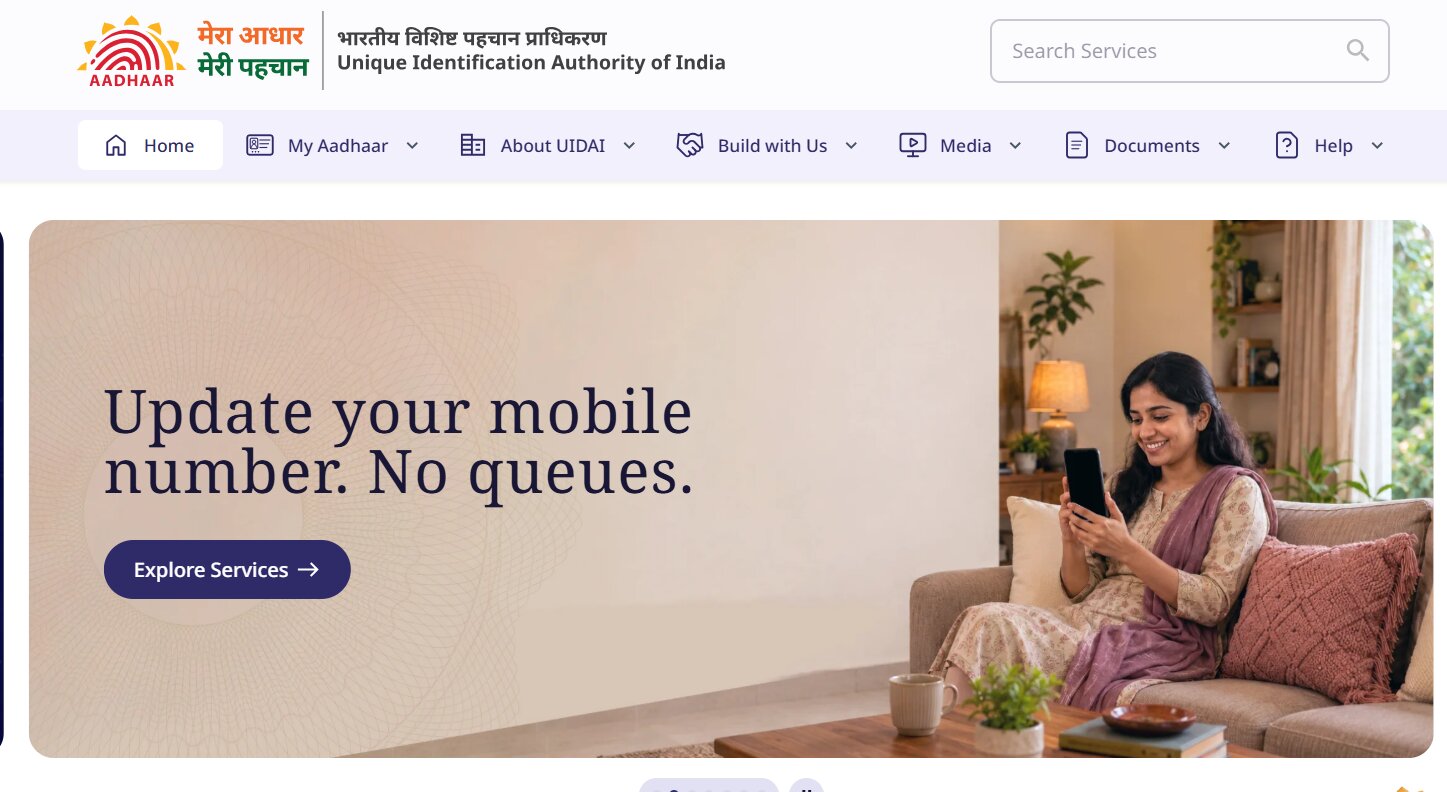
You must next find an Aadhaar Seva Kendra or an authorised enrolment and update centre by visiting the official UIDAI website.
You can also check there whether appointments for specified services are available. It’s also ideal to book an appointment if available to avoid any hassle later.
Step 4: Complete the Update Request
You must then explain the type of correction you want to make at the centre. Enter your Aadhaar details and the requested name in the required update form there.
You should then check the application for any errors before confirming it. Your new name must be the same as the name in the supporting documents. Delay or rejection could happen if there any error comes.
Step 5: Submit Your Documents and Complete Verification
The required documents must also be submitted to the centre. Your documents there will be checked based on UIDAI’s verification procedure. The centre may also ask for biometric details to update your name.
You should ask to check if the application has the correct name and ensure that the operator submits it correctly to avoid any delay or rejection.
Step 6: Pay the Applicable Fee
You must later submit the fee for the service you used. ₹75 is the actual charge for updating your name when it is performed independently. Different charges may also apply if there’s a need for biometric or other specific document submission.
Step 7: Collect the Acknowledgement Slip
You must then collect the acknowledgement receipt after submitting your application. It is important because the reference number is usually available on it. You can later use it to check the progress of your request.
Step 8: Check the Status and Download Aadhaar
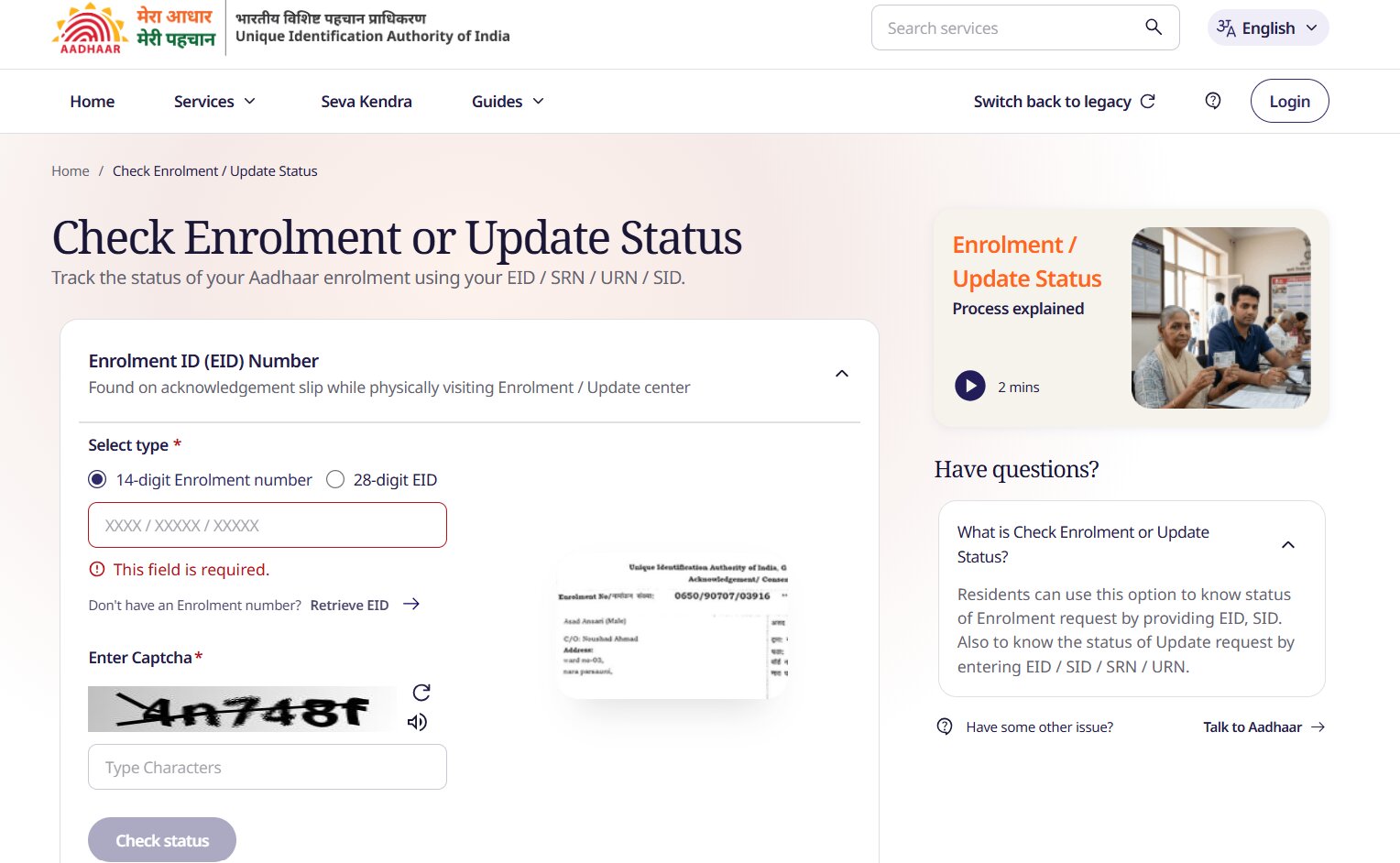
You can then check the status-checking service on the official UIDAI website. The processing time may differ based on document verification and other checks.
You should download the updated e-Aadhaar through the official myAadhaar portal after your request becomes approved. A downloaded document must be carefully checked to ensure that the name has been corrected as per your request.
How Much Does an Aadhaar Card Name Change Cost?
The exact charges depend on the services you’re using. The most common charges are mentioned below:
| Services | Fees |
| Separate name update | ₹75 |
| Changes with some biometric updates | Extra charge may apply |
| Downloading e-Aadhaar | Free |
These charges are based on the currently published data and may change later. You should therefore check the official fee schedule before submitting your application. Obtaining a receipt after making the payment is also important.
How Long Does an Aadhaar Name Change Take?
Your verification process & supporting documents plays a crucial role in deciding the exact time to Aadhar card name change online.
Some applications could be completed faster compared to others. You should, however, use the acknowledgement reference number to check its status if your status is still pending. Although 7 to 30 days are usually needed to complete the whole process, up to 90 days may be needed depending on the document verification and queue volume.
You should review the reason provided if rejection happens and determine whether you must submit clearer documents or correct an error in the application.
Common Reasons for Aadhaar Name Change Rejection
An application may be rejected if the supporting documents don’t meet the UIDAI’s requirements. Common reasons for rejection are:
- Incorrect spelling in the update form
- The requested name and the supporting document do not match
- Missing documents for a legal name change
- Blurry or incomplete document
- Expired identity documents
- Trying another name change after reaching the limit without following the exception process
The UIDAI only allows name changes twice. Some corrections like fixing specified enrolment or transliteration errors may be treated differently under its rules. You should therefore check the reason for rejection before submitting another request.
FAQs
1. Can I complete an Aadhar card name change online?
Yes, it is indeed possible to update or change your name on your Aadhaar card online via the UIDAI myAadhaar Portal.
2. What documents are needed for an Aadhar card name change?
An accepted ID proof with the requested name is enough for an Aadhaar card name change. A Gazette notification and the required existing identity proof are also needed for a complete first-name or full-name change.
3. Can I correct a small spelling mistake in my Aadhaar name?
Yes, you can request a correction via an accepted identity document with the correct spelling.
Conclusion
You can keep your records consistent and avoid any problems in official verification with the correct Aadhar card name change online. The exact process, meanwhile, differs based on whether you need a minor or major name change. The chance of errors can be reduced by following the correct procedure.